Post Card From Winter Field Day operating 1O-OR.
Backlog of garden chores kept me away from Powers on Sunday. Rats.
Anyway I was able to take my gear out and get some radio playtime in the yard.
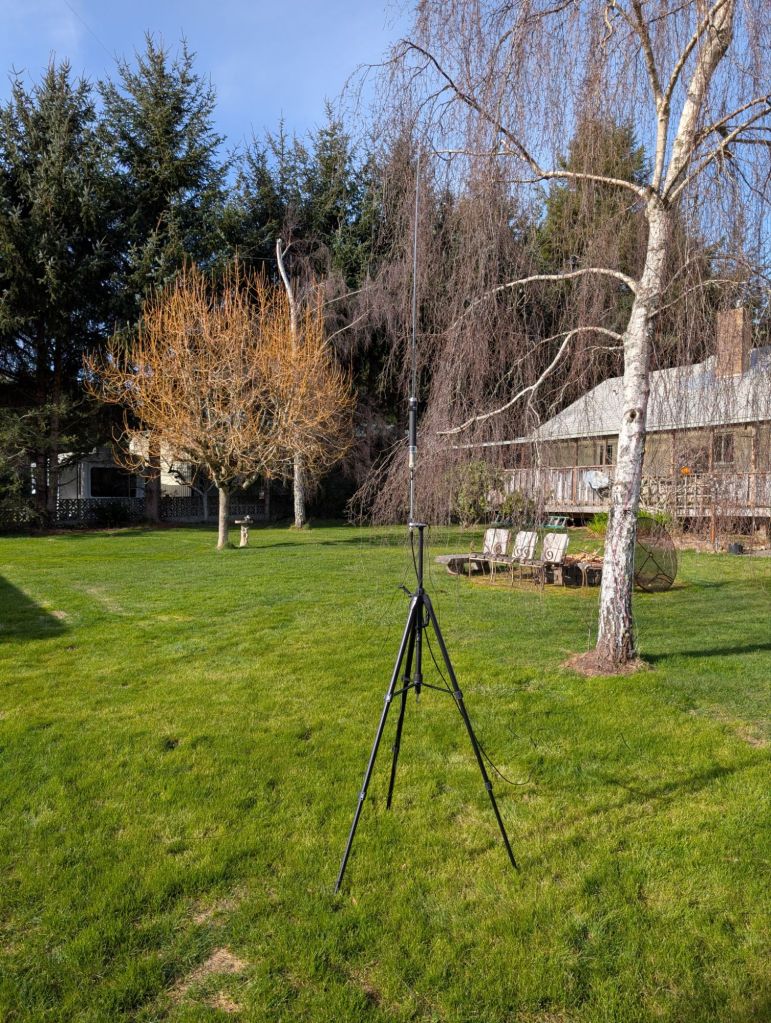
Late last week I installed the latest Xiegu X6100 OEM ‘ware on my radio. These bits for firmware and UI were released in late December 2025. I planned to power up Saturday at WFD but didn’t have the chance. So I put out the kit – radio, battery and antenna Sunday morning at home. An hour later I had to concede trying for contacts. It wasn’t working great, I had real difficulty tuning as well as hearing anyone on 20m. Though, I knew 20m be very busy with stations calling CQ for WFD.
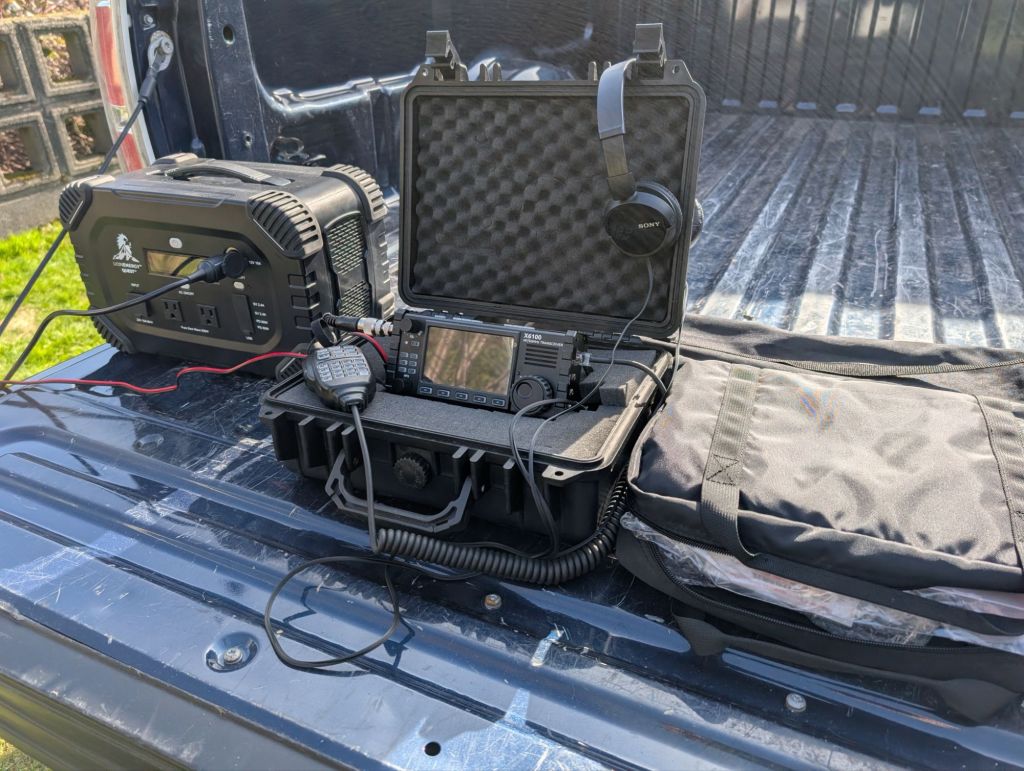
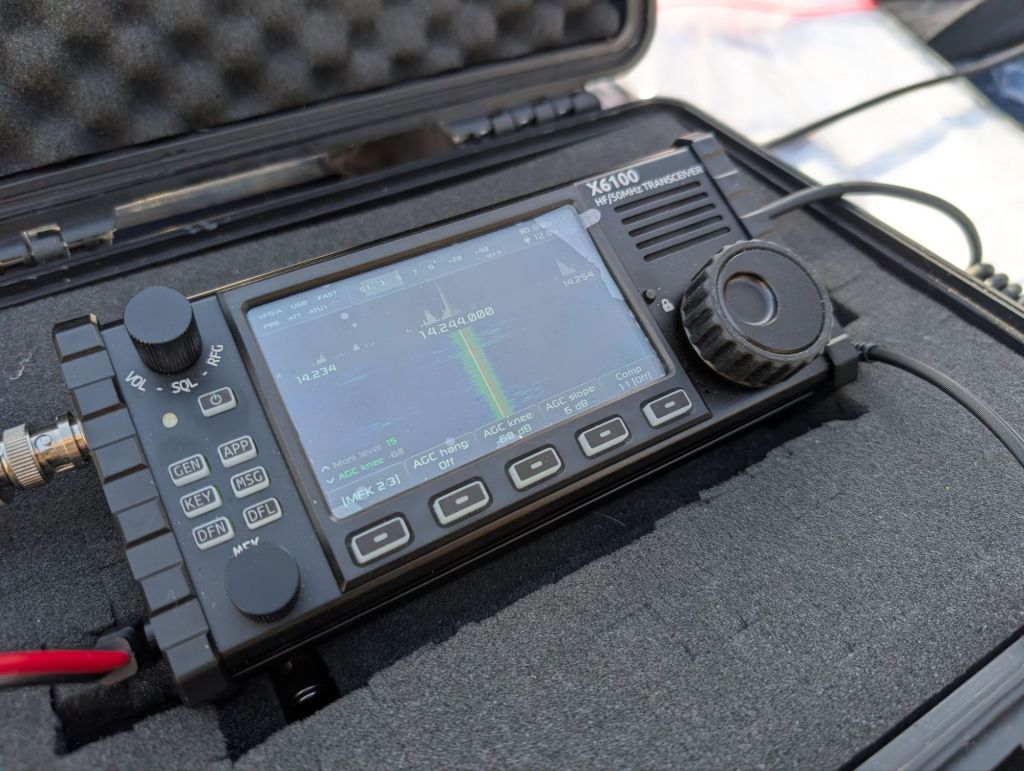
This sent me back to the shack to flash a micro-sd card with the latest R1CBU boutique front end (by Georgy Dyuldin, released 1/24/26) After booting up those bits, I heard stations calling, and was heard replying. Enormous improvements. I made a bunch of contacts hunting 20M. Tuning was a breeze.
If the Linux X6100 is the SDR hardware everyone loves, R1CBU (and the recent forked versions by developers like R2RFE) is the “secret sauce” that makes it feel like a professional-grade radio.
For many owners, the R1CBU firmware isn’t just an option—it’s the reason they bought the radio. Here is why it is such a huge deal in the community.
No sales pitch, just sharing how much fun and rewarding solving issues can be. Here’s what Gemini says about the X6100…
What is R1CBU?
R1CBU is a custom, open-source Linux-based OS for the X6100. It doesn’t actually overwrite your radio’s internal memory. Instead, it lives on a MicroSD card.
- Plug it in: The radio boots into the R1CBU interface.
- Take it out: The radio boots back to the factory stock software.It’s “non-destructive,” meaning there’s zero risk of bricking your expensive gear.
Why People Love the R1CBU Experience
1. Built-in FT8 (No Computer Required)
This is the “killer app.” Normally, you need a laptop or tablet to run FT8. With R1CBU, the radio has native FT8 decoding and encoding.
- You can sit on a park bench, look at the radio’s screen, see the decoded callsigns, and click them to make a contact.
- It also supports CW (Morse Code) and RTTY decoding, turning the screen into a text-scrolling terminal.
2. Massive Waterfall & UI Improvements
The stock waterfall is fine, but R1CBU’s interface is designed by hams for hams.
- Better Contrast: The waterfall is much smoother and makes weak signals pop.
- Band Mapping: It shows brackets for the actual ham bands (and even sub-bands like the “CW portion”), so you don’t accidentally wander out of your license privileges.
- Custom Themes: You can change the colors and layout to suit your eyesight or lighting conditions.
3. Unlocking Full Power on Battery
Standard factory firmware often limits the X6100 to 5W when running on the internal battery. R1CBU allows users to push the radio to its full 10W capability even without an external power source—a huge plus for POTA (Parks on the Air) activators who need that extra “oomph” to break through a pileup.
4. Continuous Improvement
While official Xiegu updates can be slow, the R1CBU/R2RFE project is a community effort.
- Bug Fixes: The community often fixes “quirks” (like clock sync issues or UI lag) months before the manufacturer does.
- Feature Requests: If the community wants a specific feature (like a built-in logbook or better CAT control), someone usually figures out how to code it.
Comparison: Stock vs. R1CBU
| Feature | Stock Firmware | R1CBU / Custom Firmware |
| FT8 / Digital | Requires Laptop | Internal (On-screen) |
| Max Power (Battery) | 5W | Up to 10W |
| Interface | Basic / Functional | Highly Customizable |
| CW Decoding | Basic | Advanced / More Accurate |
| Installation | Permanent Flash | SD Card (Removable/Safe) |
The Verdict: The X6100 hardware is a great “canvas,” but R1CBU is the “masterpiece” that fills it in. Most power users never even look at the stock screen anymore.
 Coos County Radio Club